




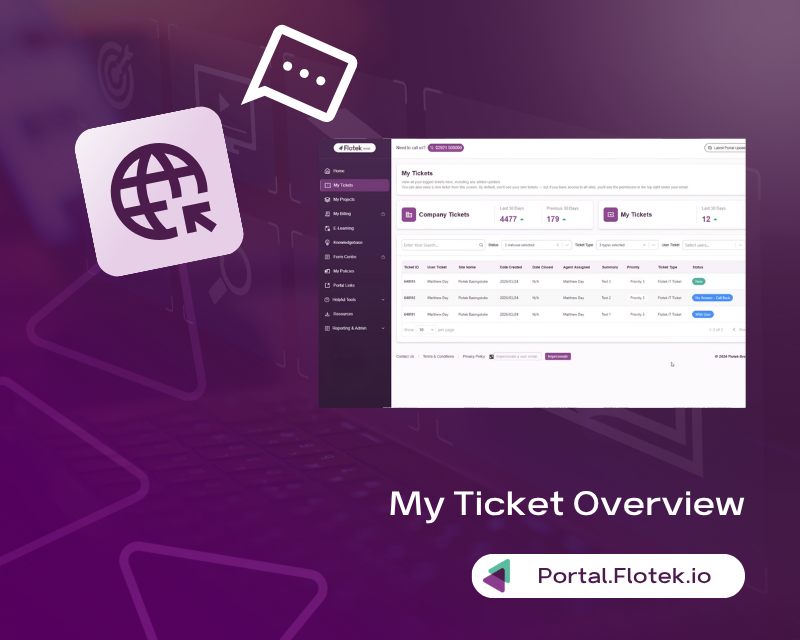
A quick way to raise, track and resolve tickets


.avif)

The easiest way to get IT issues resolved — raise a ticket, track progress, and stay in the loop.
When something goes wrong with your tech, the last thing you want is to be left wondering what’s happening. That’s why we’ve made it simple to raise, track, and resolve IT support tickets through Flotek.
Whether it’s a broken email, a slow laptop, or a network issue, here’s how the process works — and why it’s the fastest way to get help.
How to Raise a Ticket
There are three ways to get in touch:
• Call us on 02921 508000 — speak directly to our helpdesk team.
• Email us at helpdesk@flotek.io — a ticket is automatically created.
• Use the portal — log in and raise a ticket directly with all the details.
Whichever method you choose, your issue is logged instantly and assigned to the right engineer.
What Happens Next?
Once your ticket is raised:
• You’ll receive an automatic confirmation with your ticket number.
• Our team reviews and prioritises the issue based on urgency and impact.
• An engineer is assigned and begins working on the resolution.
• You’ll get updates at every stage — no chasing required.
Track Your Tickets
Through the Flotek partner portal, you can:
• View all open and closed tickets.
• See real-time status updates.
• Add comments or additional information.
• Check resolution times and SLA performance.
It’s full transparency, with no guesswork.
Watch How It Works
We’ve put together a short walkthrough showing you exactly how to raise and track a ticket:
Why It Matters
Raising a ticket ensures your issue is properly logged, prioritised, and tracked. It means nothing gets lost, nothing gets forgotten, and you always know where things stand.
If you’re not already using the portal, or if you need login details, get in touch with our team and we’ll get you set up.





.jpg)







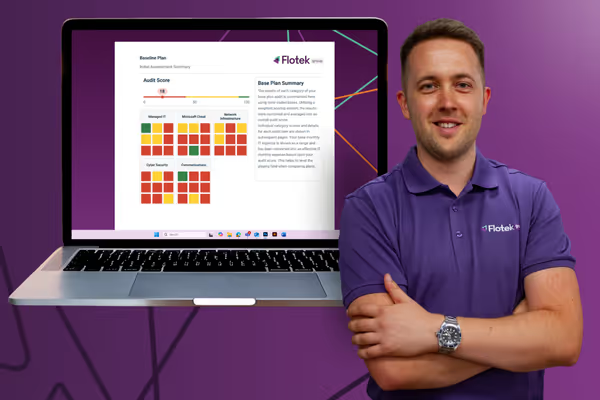
Schedule a Free IT Audit & Cost Breakdown

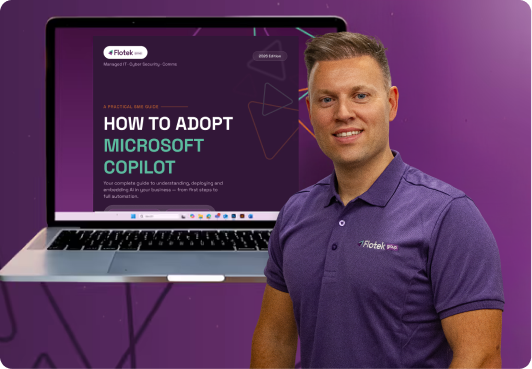
Download Your Free CopilotAdoption Guide
The Content Hub

%20(45).png)
%20(43).png)
%20(41).png)
%20(40).png)

%20(52).png)
%20(51).png)
Microsoft Ai & Copilot 365 Introductory Webinar



.avif)
.avif)
%20(1).avif)
.avif)